

Website Optimization and Google Page inside score and some warning
To determine a website strength or speed we used mostly google page inside tools. Everyone will look for Green signal on google page speed (the green color comes if speed score is more than 85).
Before Optimize the site speed is:
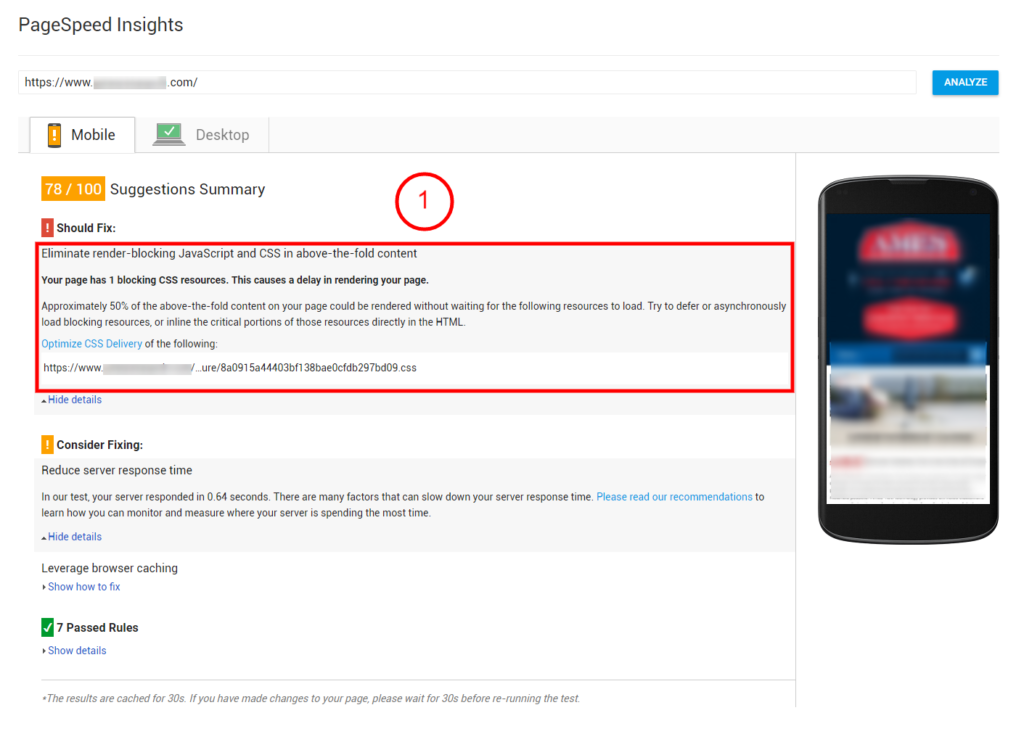
Consider Magento site what can we do to speed up a Magento site.
After implementing all of this my speed now come to
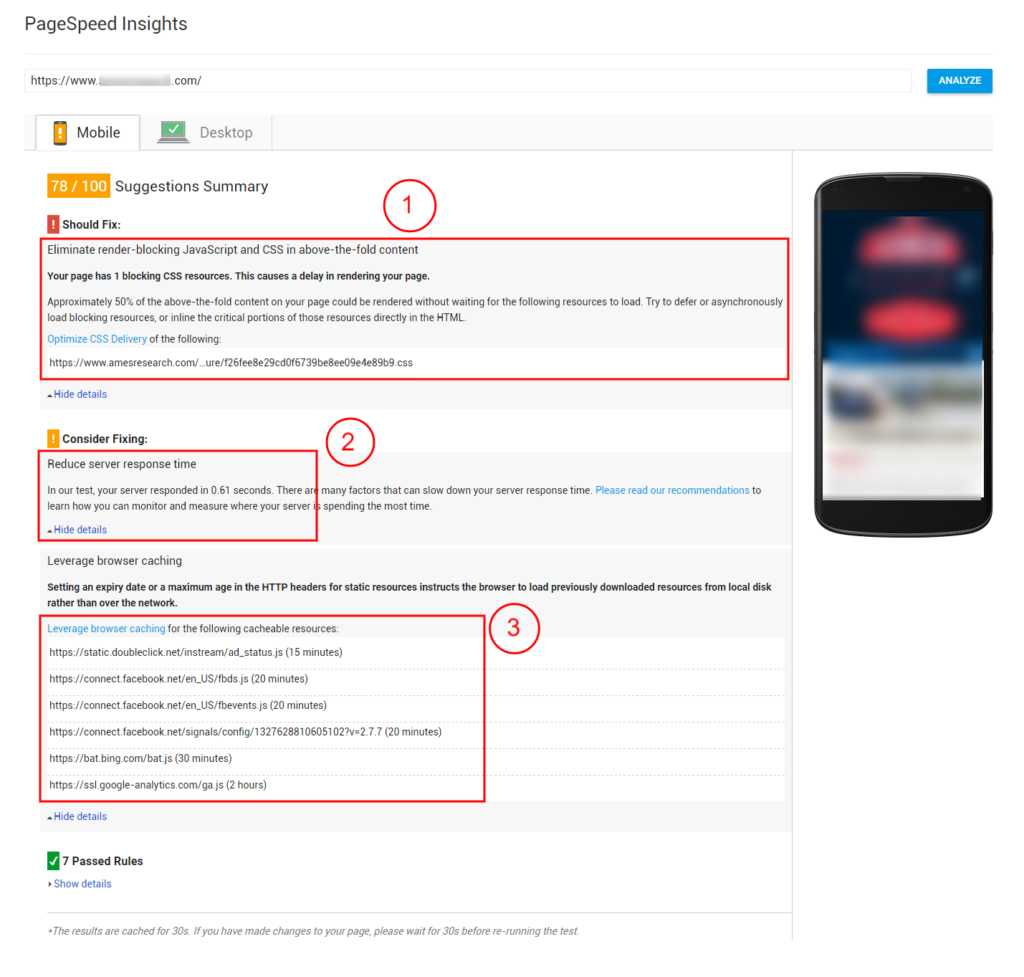
It’s improved lot but not the best,
If you look carefully all the rule is passed here, for Magento site or big site the following error shows that reduce the score. Sometimes it hard to make understand to a non-technical person to this issue, because they will look for score not what is good practice or bad practice.
Now let’s explain one by one
Eliminate render-blocking JavaScript and CSS in above-the-fold content. Here it shows that one CSS file blocks the render above the fold content, this means mobile device first screen’s worth –anything you don’t need to scroll to see.
So to remove this error google recommend “OptimizeCSSDelivery” message. There they told inline the “above the fold” CSS. Here in the sample site the above the folds contain header part and the slider part. So I have to inline all the CSS with media query to inline to remove the error. In Magento, this part is Huge that contain lots of CSS. So if we implement this process the following advantage and disadvantage happen
Advantage:
Disadvantage:
# Of course, google have server solution for this they provide “Page speed module” for this, you need to contact your server administrator to install this. You can use on Apache and Nginx based server on all server Linux distribution.
This has many features, like combining CSS, JS, and Compress static files, Lazy load image and etc. But the issue remains same for above the fold content rendering issue.
But this is recommended for another optimization process.
You can enable browser caching for your authorized domain, but for the external website its no on your hand, so cannot control caching of them. Example if you browse a website that loads some CSS and image file for the first time, and the second time if you browse same page or another page and if the static files is a match then it will not load another time browser will show the cached version of the files.
Basically, this error shows for Google analytics tracking Code, Facebook Pixel, Bing Pixel code, etc. You cannot control them, so try to use small amount pixel code.
As many people found this error only for google analytics code. As google page speed tools are owned by google so why google showing their product google analytics code as an error, actually this is not fair. There may have some solution to minimize the warning like bellow
Step into the future with CyberNetikz, where we craft tomorrow’s tech innovations with today’s coding artistry Mega Medusa Casino.